/Docs · Every day
List, Board and Current
Three views of the same Plate. Change items where they stand, drag them, filter, group and sort, and see how priority is set.
This page is for anyone who works through their Plate each day and wants to see it their way.
In short: The List, the Board and Current show the same items under one filter. Change an item where it stands, drag it to move it, and your filter stays when you switch view.
The List#
One line per item: its status, priority, owner, app, first category, due date and when it last moved, then its moon (Snooze), ✓ (Done) and › (Open). The owner is whoever has to do it, with the other person after it: You · from Dana when Dana asked you, Dana · for you when Dana owes you, and You alone for your own to-do.
Under each line, a quiet line says its latest event, like Updated 3h ago: Said again by Dana. It only names what you can open.
Change a line where it stands#
- Click its words to reword it. Enter or clicking away saves; Escape puts them back.
- Click its date to pick another.
- Click its priority to set your own: Urgent, High, Medium or Low, or Back to automatic.
- Click its category to put it in another.
- Click its owner to hand it to someone. That tells them, so it asks first.
- Click its moon to snooze it: Tomorrow, Next week or Pick a date… (see Snooze). The line leaves the List at once, with Undo at the bottom of the page. On a phone, or while an item is open beside the List, use the open item's ⋯.
Click anywhere else on the line, or its ›, to open it.
Drag and reorder#
- Grouped by priority, drop a line on High and its priority becomes High.
- Grouped by category, drop it on a category to put it there.
- To reorder, drag a line above or below another, or press Alt with ↑ or ↓.
Reordering turns the sort to Manual. Your order is kept on your account, so it follows you to every device. A line waiting on someone else can't be dragged.
In the list, ↑ and ↓ move the selected line, Enter opens it, and E marks it done (or reopens it). They wait while you type.
The Board#
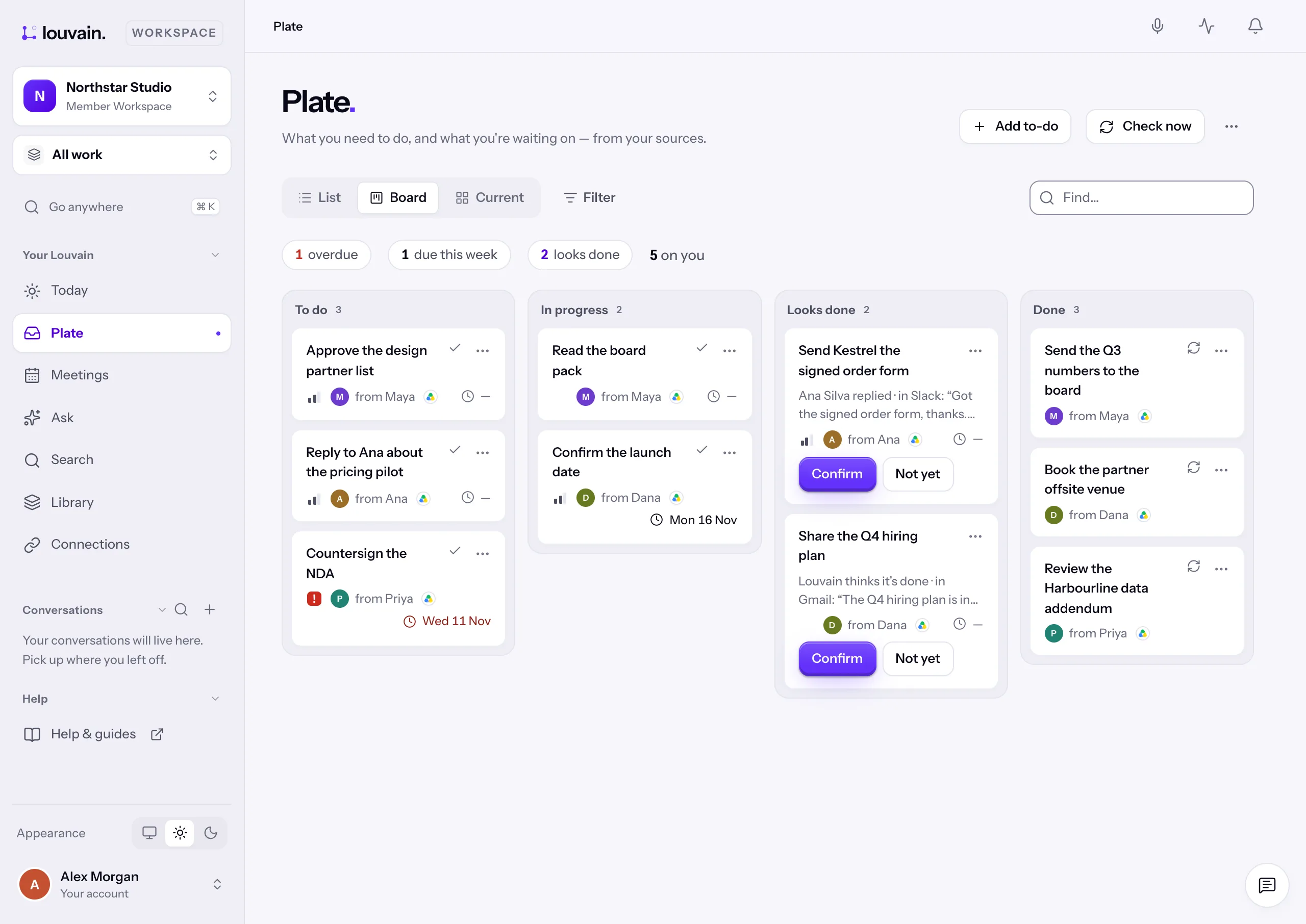
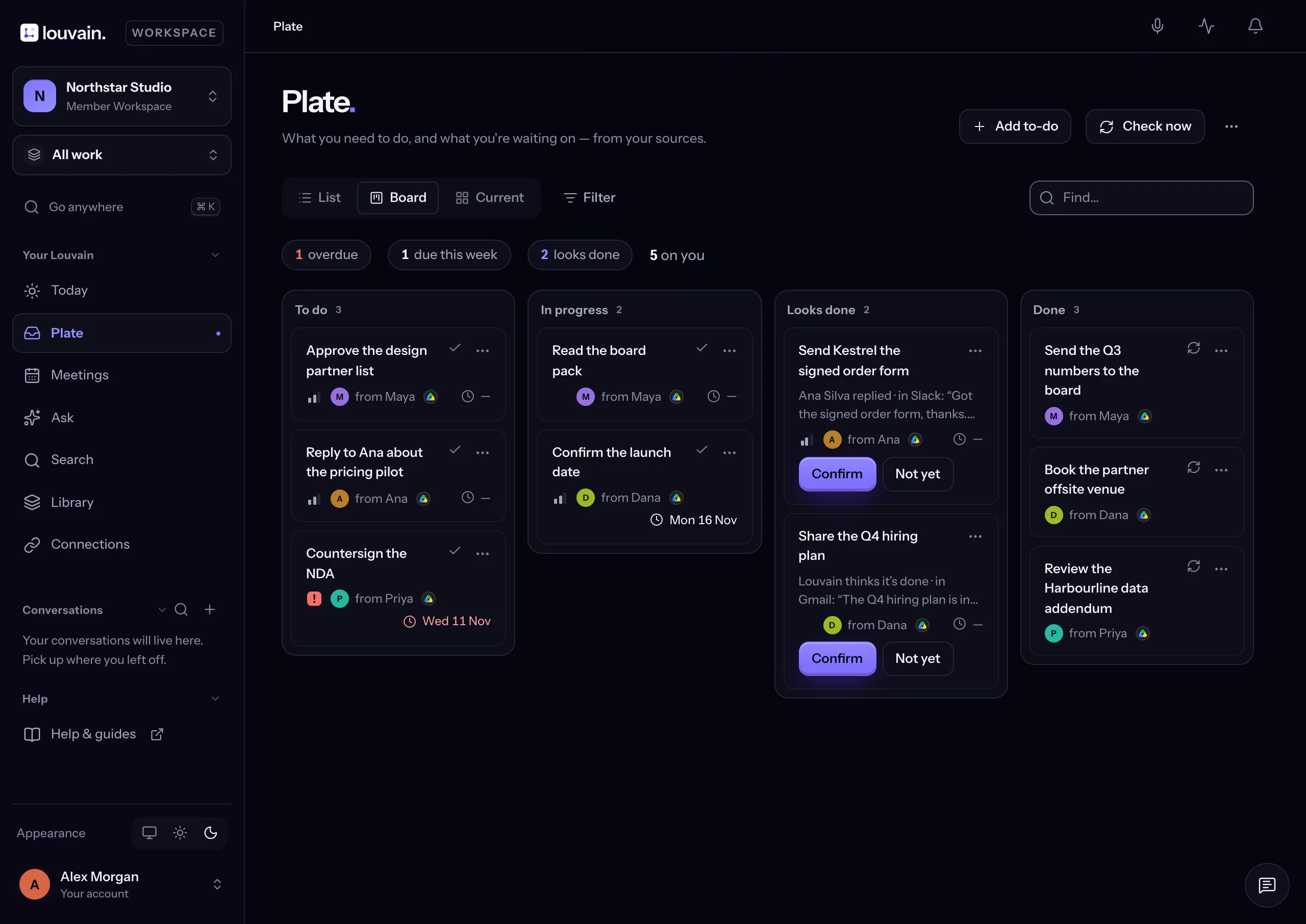
Cards in three columns by status: To do, In progress and Done (the twenty most recently closed). A card is a List line in another shape: change its wording, priority, owner, category and due day where they stand. Each card shows who owes it, with their picture.
To move a card, drag it to another column, use its ⋯ and Move to …, or press Alt with ← or → on its title. Into Done closes it. Any other column sets its status without changing who owes it. On a phone the columns stack, and the card's ⋯ is the way to move it.
To get a column out of the way, press its name, Minimise. It becomes a narrow strip in the same place, with its name and its count, and its cards are hidden. You can still drag a card onto it (or move one with ⋯ or Alt with ← or →), and pressing it opens the column again. This browser remembers which columns you minimised. On a phone a minimised column shrinks to its heading.
Current#
Two lists side by side (two tabs on a phone):
- On you: what needs you.
- Waiting on others: what you asked for or were promised.
Each list is in urgency order, the same order everywhere your to-dos are listed. First by priority (Urgent, High, Medium, Low; see Status and priority). Then late items, then those due today, then due this week. Next in On you come items someone is waiting on you for, each with one line saying why: they followed up ("Ana followed up twice · last 31 Oct", with See it), they're outside your workspace and have waited three days, or it has waited five days. Then the rest with a date, soonest first, then those with none. Among items that tie, someone you named in What matters to you comes first, then the earlier date, then starred ones, then the newest.
Below, Done shows what closed in the last 7 days. Pick 30 days or a Range for more.
Filter, group and sort#
Filter narrows every view at once:
- Whose: Everything to begin with; Mine, what you owe; or Others owe me. The plate remembers your Whose choice in each workspace.
- With: who an item is with.
- Priority, Category, Source (the app it came from) and Due.
- The box at the end finds words.
Each filter shows as a chip. Its × clears it.
In the List, Display shows Open or Done this week. Group by puts items under their status, priority or category, or in one list. Sort by orders them by Urgency (the order above, where the List starts), by due date, by last movement, or Manual. The plate remembers your Sort by choice in each workspace, on a phone too.
Status and priority#
Status is yours: To do, In progress or Done. Blocked is a flag beside it, set with its switch in the item or from a card's ⋯. Neither changes who owes the item.
Priority is one scale: Urgent, High, Medium, Low. It comes from facts, never from how a message is worded: late is Urgent, due today is High, due this week or waited on is Medium, and the rest are Low. A priority you set yourself wins, and Back to automatic returns it to the facts. The star is your own mark beside it: it never changes an item's priority.
Looks done in each view#
- List: the first group. Each line says who says it's done, with Confirm and Not yet. E confirms it.
- Board: a column right before Done, there only while an item is in it. Drag a card into Done to confirm it, or into To do or In progress to keep it open.
- Current: above both lists, each with the words that say so.
An item in Looks done is in no other group or column, and Whose never hides it.
Good to know#
- Waiting counts from when you could first see an item, so a backlog read for the first time isn't late.
- An item still being checked against later messages says Checking.
- Done, Not mine, a source settling it, delegating or reopening clears its status and Blocked.
- Grouped by priority or category, Waiting on others comes last, longest-waiting first.
- Someone outside your workspace showing up twice? Pick one in With and choose Same person as…. An admin's answer joins them; anyone else's asks the admins to confirm.